> For the complete documentation index, see [llms.txt](https://docs.gensyn.ai/llms.txt). Markdown versions of documentation pages are available by appending `.md` to page URLs; this page is available as [Markdown](https://docs.gensyn.ai/tech/ree/examples.md).
# Examples
Short, practical recipes for the most common REE workflows.
## Common Workflow Examples
Try some of these ready-to-use TUI configurations for common workflows like test runs, production inference, prompt files, and more.
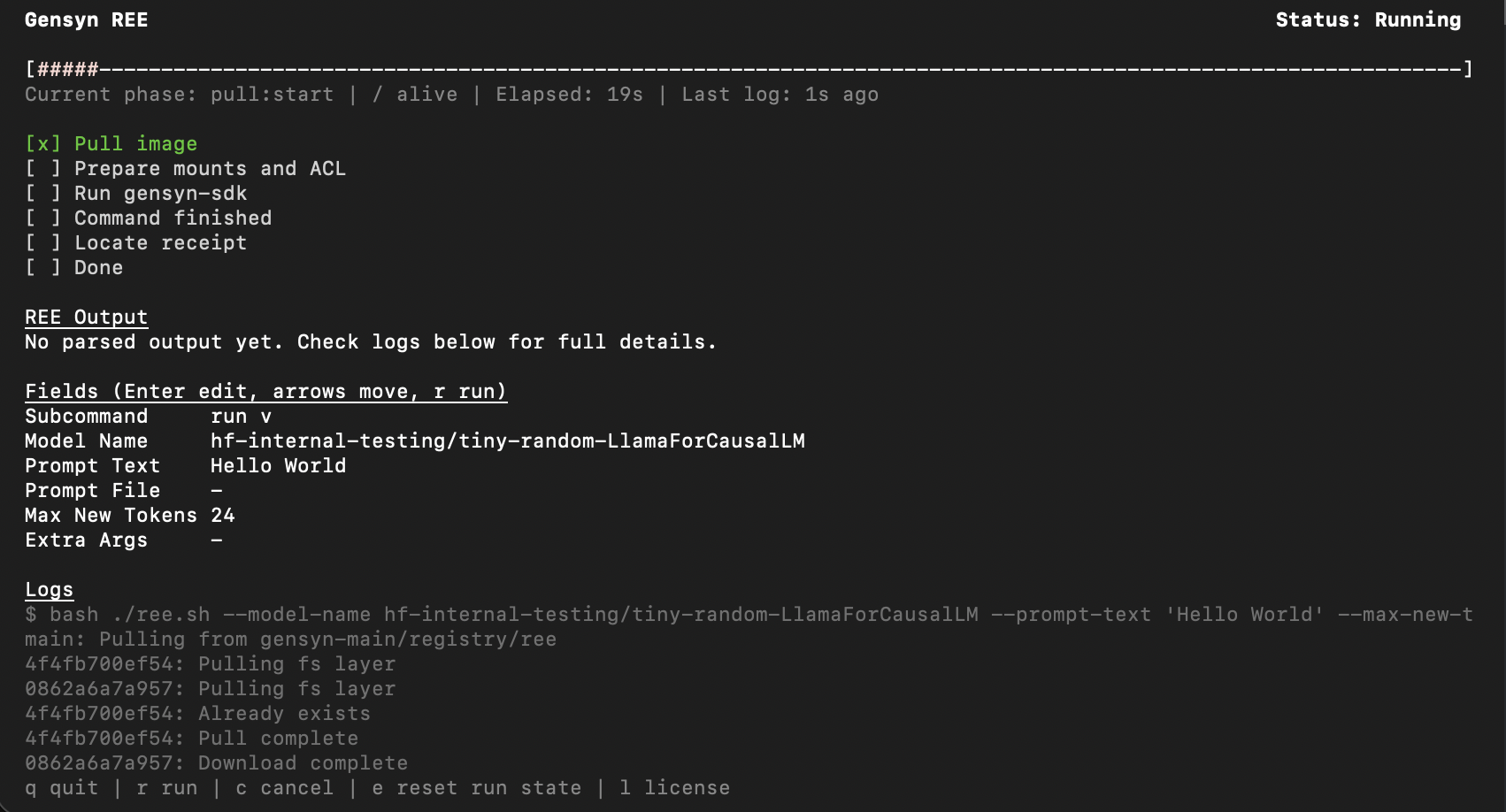
### Minimal: Test Model
Use a small test model to verify REE is working.
{% hint style="info" %}
Note that test models have random weights and will produce nonsensical output. This is expected.
{% endhint %}
In the TUI, fill in the following parameters:
* **Model Name:** `hf-internal-testing/tiny-random-LlamaForCausalLM`
* **Prompt Text:** `Hello world`
* **Max New Tokens:** `24`
* Press `r` to run.
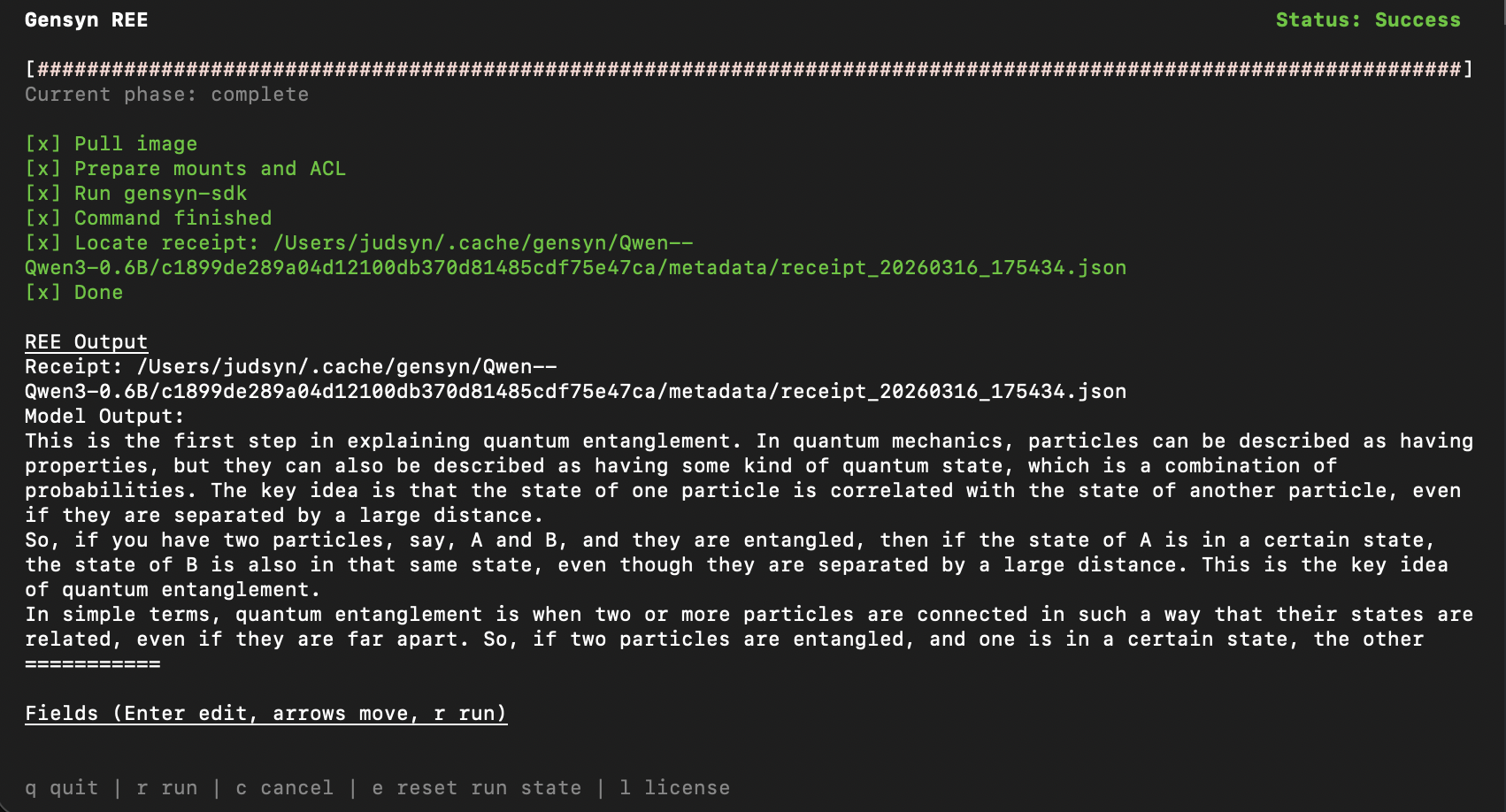
### Production: Reproducible Inference with a Real Model
* **Model Name:** `Qwen/Qwen3-0.6B`
* **Prompt Text:** `Explain quantum entanglement in simple terms.`
* **Max New Tokens:** `256`
* **Extra Args:** `--operation-set reproducible --temperature 0.7 --top-p 0.9`
* Press `r` to run.
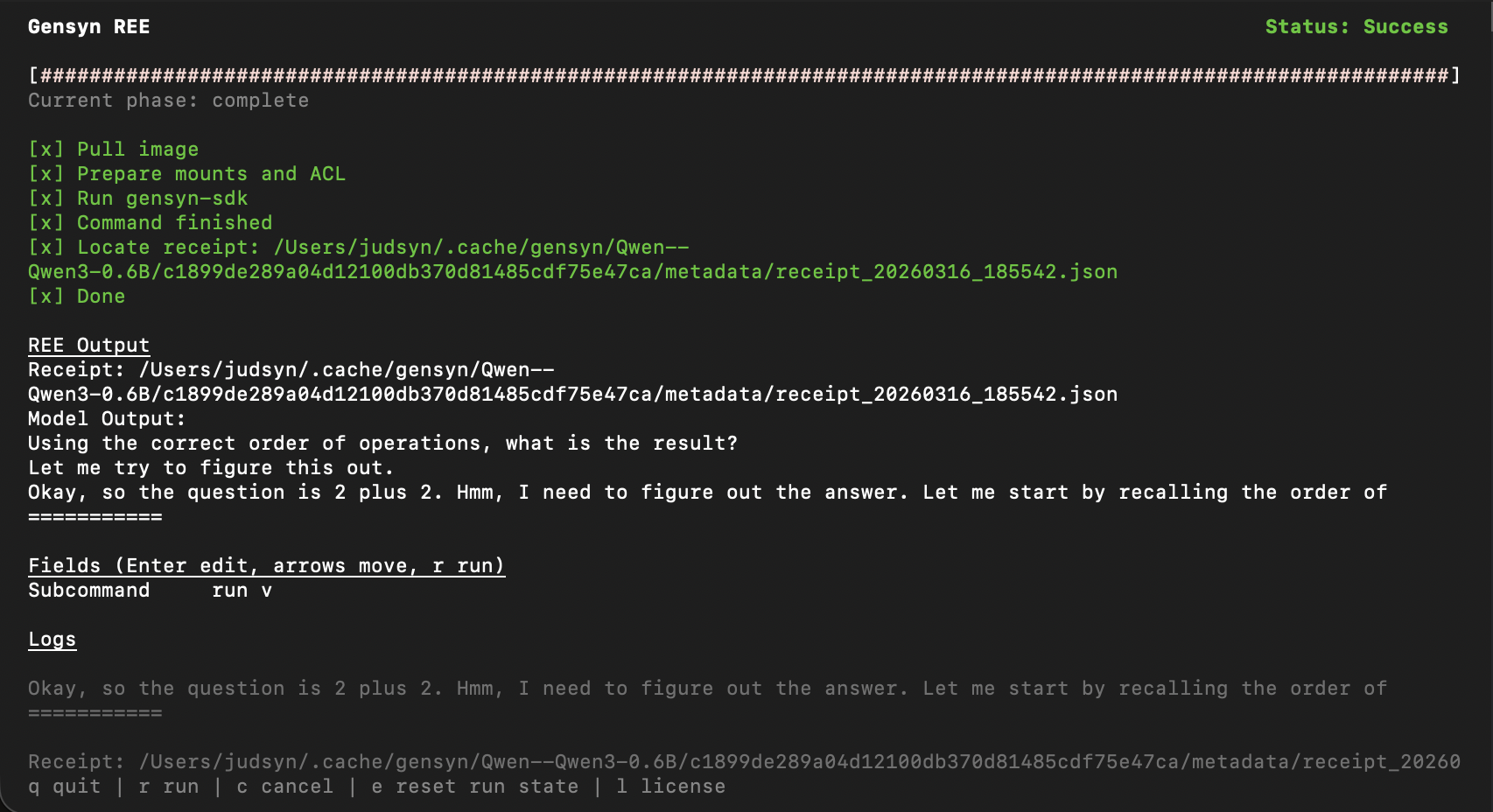
### Using a Prompt File
Save your prompt to a .JSONL file:
```json
{"prompt": "What is 2 + 2? Show your reasoning step by step."}
```
In the TUI:
* **Model Name:** `Qwen/Qwen3-0.6B`
* **Prompt Text:** *(leave blank)*
* **Prompt File:** `/path/to/your/prompt.JSONL`
* **Max New Tokens:** `128`
* **Extra Args:**
```bash
--operation-set reproducible
```
* Press `r` to run.
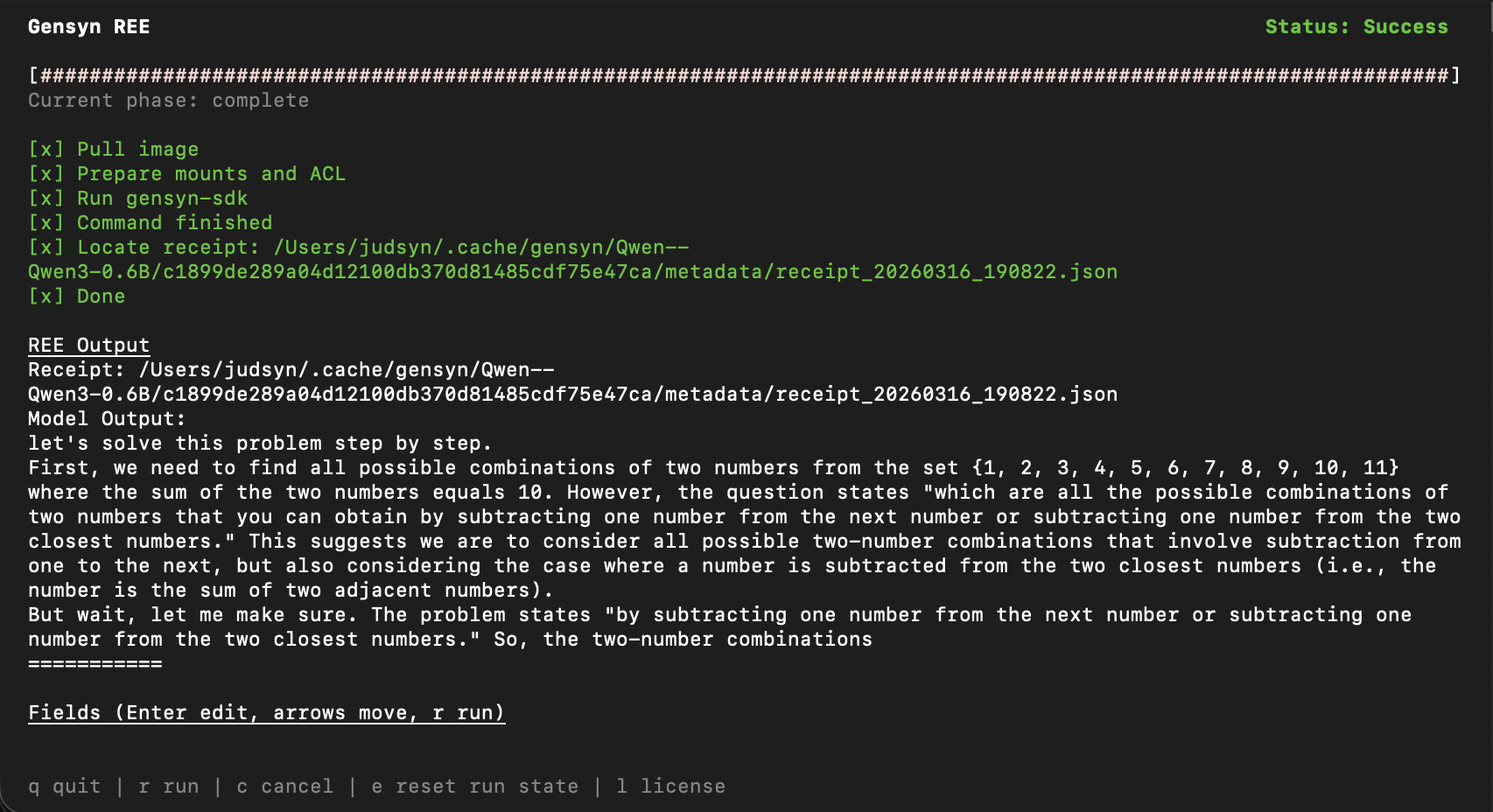
### Short-Circuiting (Reasoning Models)
Short-circuiting forces the model to exit a generation phase early by injecting a specific token at a given step. This is useful for reasoning models (e.g., Qwen3) that have thinking/end-thinking phases, where you want to limit the token budget spent on "thinking."
Both `--short-circuit-length` and `--short-circuit-token` must be provided together in **Extra Args**.
* **Model Name:** `Qwen/Qwen3-14B`
* **Prompt Text:** `Solve this math problem.`
* **Max New Tokens:** `300`
* **Extra Args:**
```bash
--operation-set reproducible --short-circuit-length 100 --short-circuit-token 151668
```
* Press `r` to run.
{% hint style="info" %}
**`v0.4.0`:** To turn thinking off entirely (rather than truncating it), use `enable_thinking=False` on `InferenceSession.complete(messages=...)` in the SDK.
Short-circuiting remains useful when you want a bounded thinking budget on CLI/TUI runs.
{% endhint %}
### Large Models with Pipeline Parallelism
Split a large model across multiple GPUs using pipeline parallelism. This is the mode to use for models above \~32B parameters.
* **Model Name:** `Qwen/Qwen2.5-72B-Instruct`
* **Prompt Text:** `Summarize the key ideas behind pipeline parallelism.`
* **Max New Tokens:** `256`
* **Partitions:** `4`
* **Extra Args:** `--operation-set reproducible`
* Press `r` to run.
{% hint style="info" %}
Set `Partitions` to match how many GPUs you want to split the model across.
If driving REE from the CLI instead of the TUI, use `--n-partitions `.
{% endhint %}
### SDK: Tool Definitions with `InferenceSession`
This example shows how to pass tool definitions into an SDK inference session. REE forwards the tool definitions to the model's chat template when the tokenizer supports one.
First prepare a task directory using the CLI or TUI. Then use that prepared task directory with `InferenceSession`:
```python
from pathlib import Path
from gensyn_sdk import InferenceSession
tools = [
{
"type": "function",
"function": {
"name": "calculator",
"description": "Evaluate a simple arithmetic expression.",
"parameters": {
"type": "object",
"properties": {
"expression": {"type": "string"}
},
"required": ["expression"]
}
}
}
]
messages = [
{"role": "system", "content": "Use tools when helpful."},
{"role": "user", "content": "What is 243 * 17?"}
]
session = InferenceSession(
task_dir=Path("/path/to/prepared/task-dir")
)
result = session.complete(
messages=messages,
tools=tools,
max_new_tokens=256,
)
print(result.text)
print(result.receipt.tools_hash)
```
REE does not execute the calculator function or parse the model output into a tool-call object. For reproducibility, record the exact tool output that your application provides back to the model.
#### SDK: Disable Thinking (Qwen3)
Requires a prepared task directory (see [SDK Hello World](https://github.com/gensyn-ai/ree/tree/main/examples/sdk-hello-world) for the prepare & session pattern).
```python
from pathlib import Path
from gensyn_sdk import InferenceSession
session = InferenceSession(task_dir=Path("/path/to/prepared/task-dir"))
result = session.complete(
messages=[{"role": "user", "content": "What is 2 + 2?"}],
enable_thinking=False,
max_new_tokens=128,
)
print(result.text)
```
### Validating a Receipt
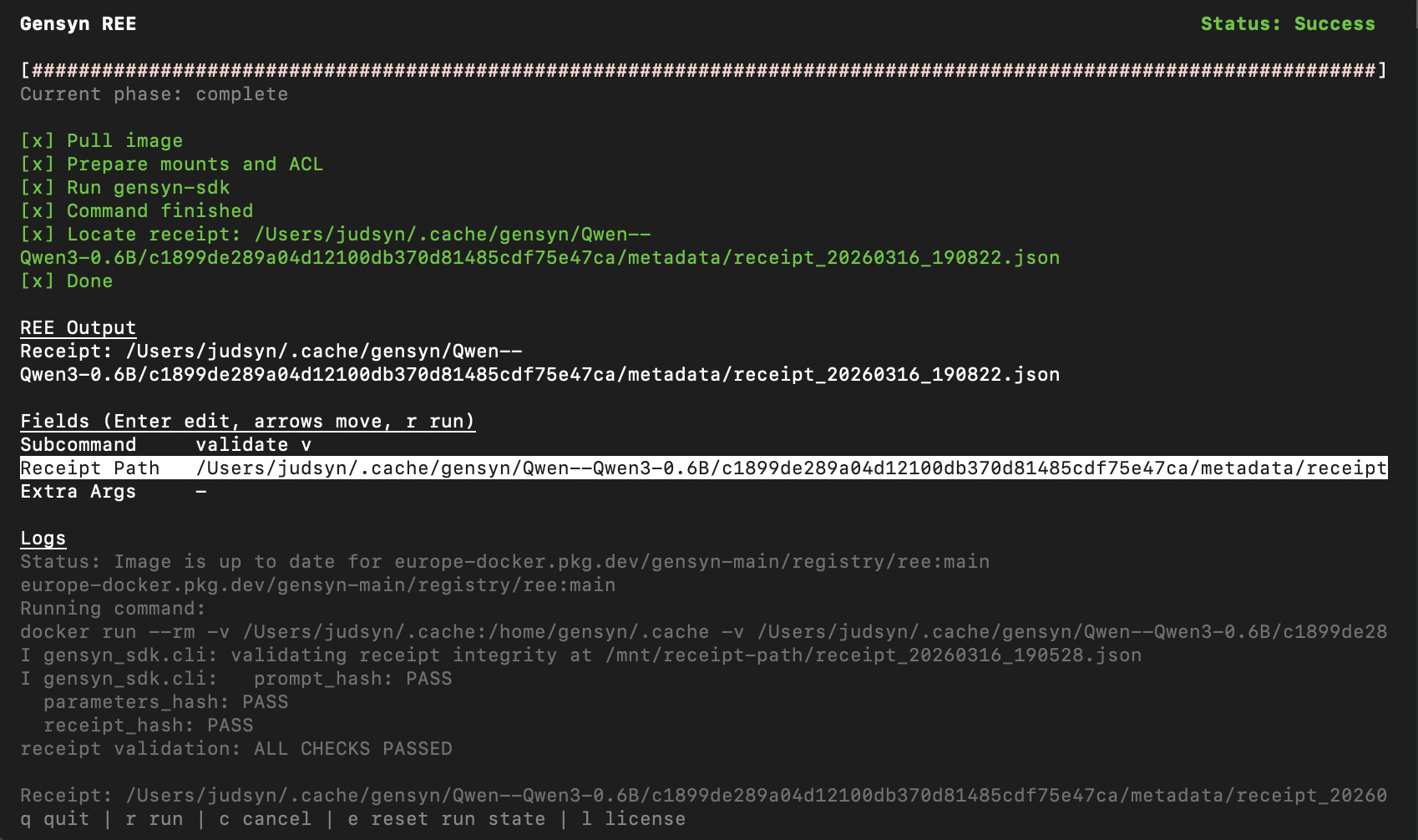
Validation ensures that a receipt remains internally consistent and that its hashes are untampered and uncorrupted, without requiring re-computation.
After a successful run, switch the TUI to validate mode:
* **Subcommand:** `validate`
* **Receipt Path:** Paste the path to your receipt JSON file (e.g., `~/.cache/gensyn/Qwen--Qwen3-0.6B/.../metadata/receipt_20260311_155048.json`)
* Press `r` to run.
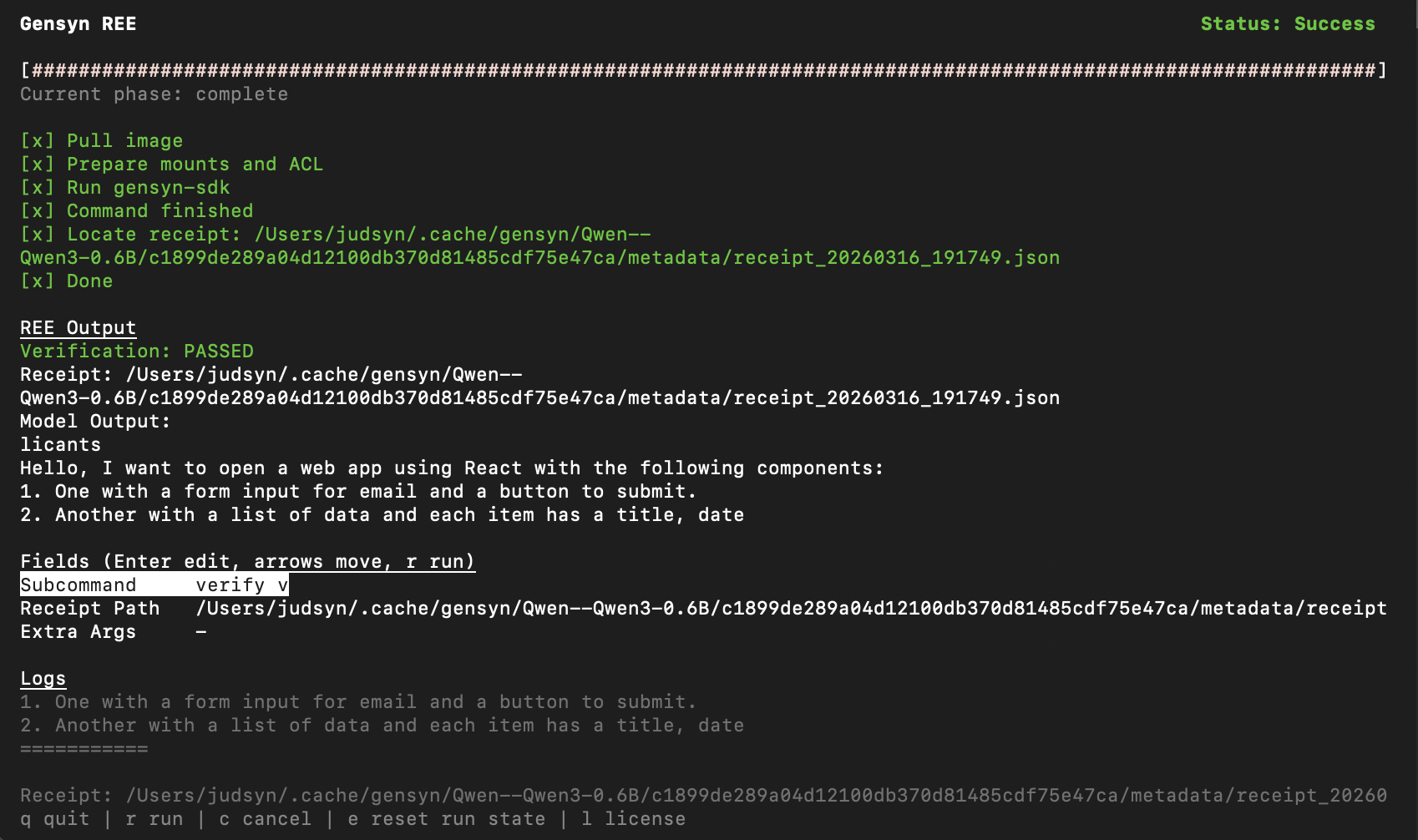
### Verifying a Receipt
Verification re-runs the entire inference pipeline and comparing the results with the receipt to ensure reproducibility.
To prove a receipt is reproducible by re-running the full inference pipeline:
* **Subcommand:** `verify`
* **Receipt Path:** Paste the path to the receipt JSON file
* Press `r` to run.
REE will re-execute the computation and compare the output against the receipt. This is slower than `validate` since it runs the full pipeline, but it's the strongest proof that the result is reproducible.
{% hint style="success" %}
Use `validate` for a quick integrity check or use `verify` when you need definitive proof.
{% endhint %}